Build your product.Not everyinterface.
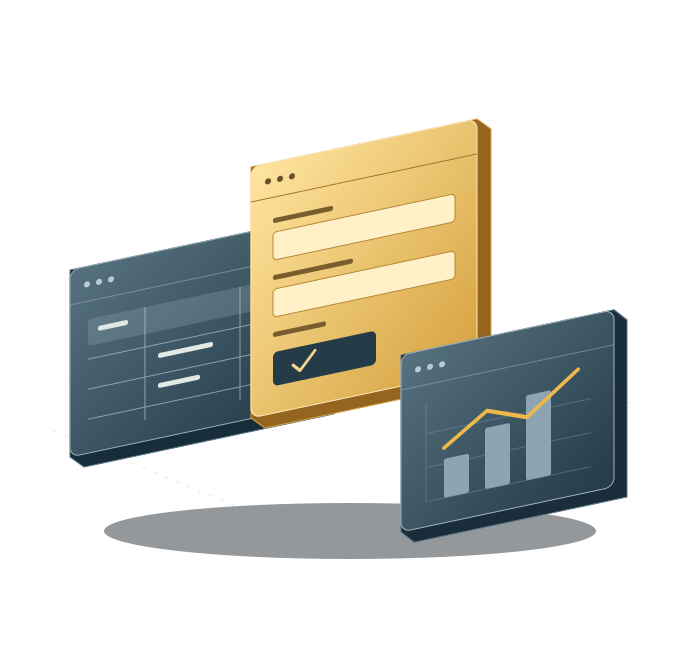
Your users need more than an agent conversation. Give them records they can navigate, forms they can work through, and charts they can understand—without rebuilding the same interface groundwork for every Laravel product.
Explore the buildersStart with the supporting pieces.
Table interactions, form rendering, and chart presentation give you a useful starting point—not another blank screen.
Make the experience your own.
Choose the records, fields, and measures that matter. Connect them to your business logic and customer experience.
FIND IT. UPDATE IT. UNDERSTAND IT.
Three everyday jobs.
One product to build.
Imagine a client-management application. People need to find a client, keep their details current, and understand activity across the business. These builders support the screens you create for each job.
TABLES · FIND IT
Turn a list of clients into a place to work.
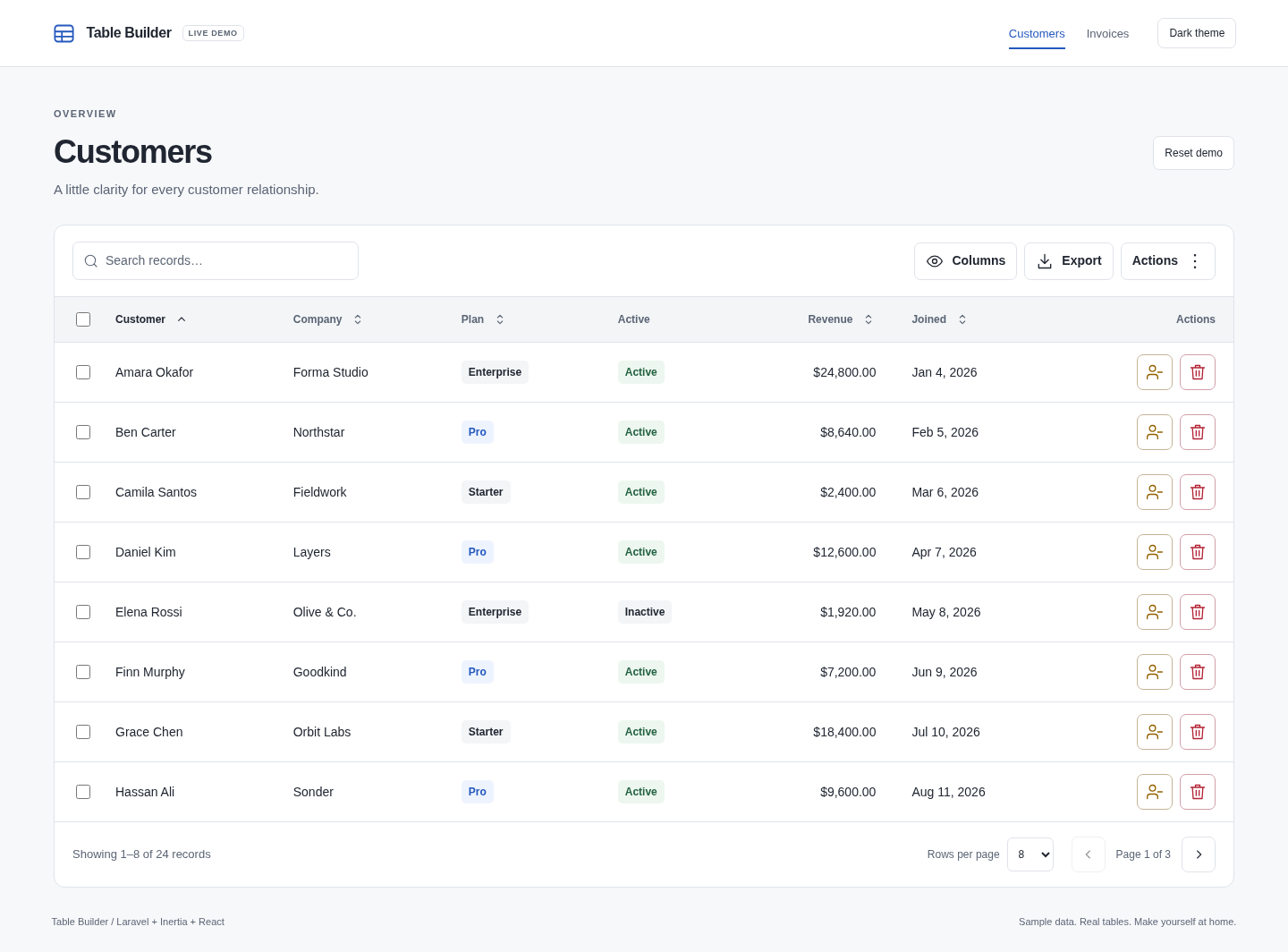
Help users find the right record, choose the columns they need, and take permitted actions without building every table interaction from scratch.
- Search, sorting, and pagination
- Column visibility and record selection
- Policy-checked actions and spreadsheet exports
Your partChoose the client records, scope access, and implement the actions your business needs.
FORMS · UPDATE IT
Make capturing the right details less repetitive.
Define fields, layout, and validation in Laravel. Use conditional fields and multi-step forms when the task needs more than a simple edit screen.
- Laravel validation and error presentation
- Existing-record values and conditional fields
- Flexible layouts and multi-step forms
Your partChoose what to collect, authorize the change, and handle saving the record.
A useful place to keep things current.
- Client name
- Rowan Studio
- Primary contact
- Alex Morgan
- Relationship
- Ongoing project
- Project notes
- Website refresh and ongoing content support.
Illustrative layout only. No form submission or data collection.
CHARTS · UNDERSTAND IT
Give the numbers somewhere useful to go.
Help users explore trends and compare results through charts built around your data. Bring reporting into the product instead of leaving the story in a spreadsheet.
- Bar, line, donut, and other chart types
- Filters and accessible data tables
- CSV and image downloads
Your partDefine the measures, supply the right data, and decide who can see it.
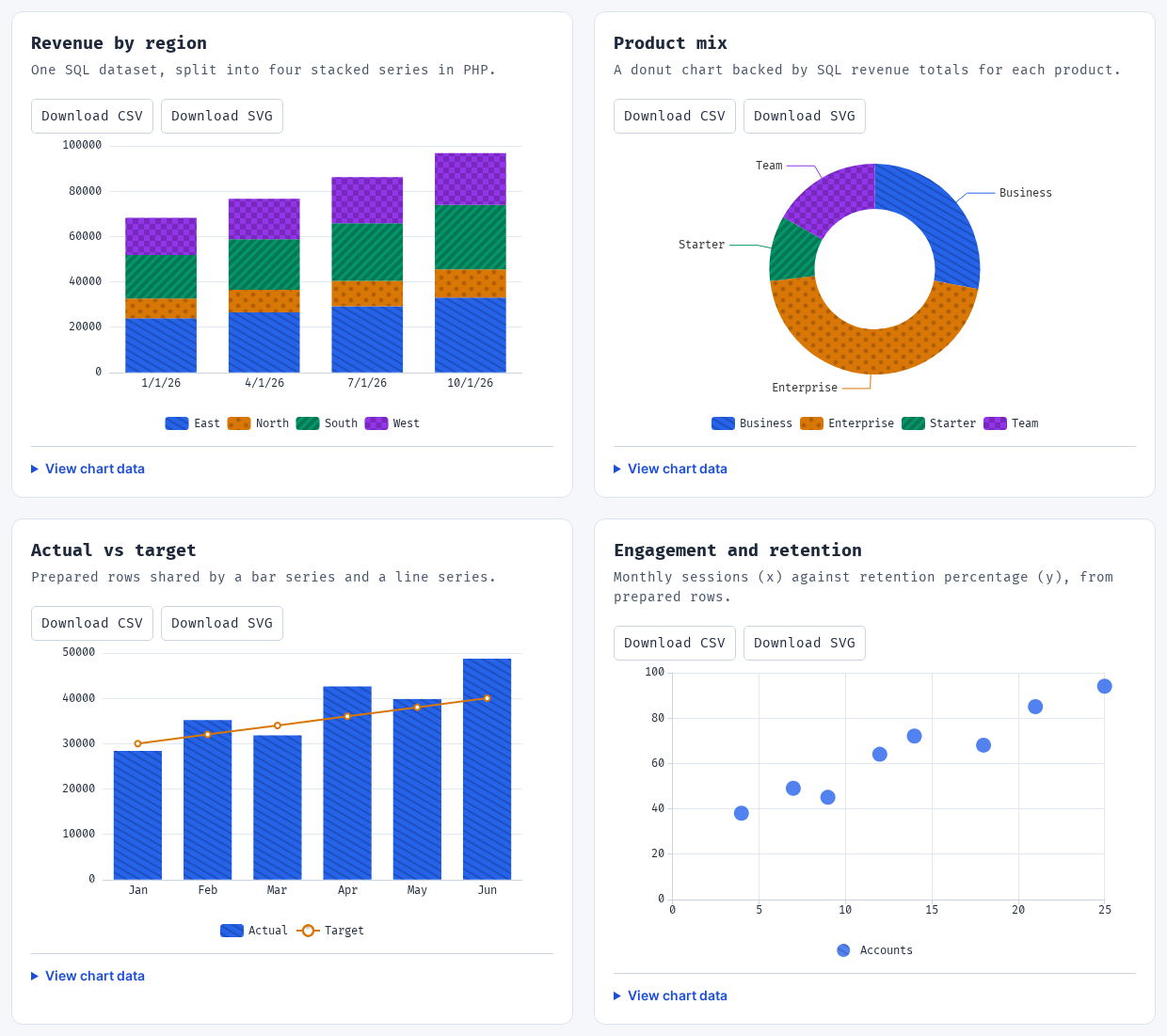
The client application is illustrative. Table and chart captures are separate package demos, not screens from one connected application. Open either capture full size to inspect the details.
LESS REPEATED UI. MORE USEFUL SOFTWARE.
We supply the building blocks.
You make the application.
The foundation provides
- Tables for working with recordsReusable presentation and common interactions around your application’s data.
- Forms for collecting informationField rendering, layouts, and validation feedback for the inputs you define.
- Charts for understanding resultsPresentation, data views, and downloads around the measures you supply.
STILL YOUR CRAFT
Your domain gives the screens a purpose.
You own the models, queries, calculations, policies, and business actions. The builders help you turn them into interfaces people can use.
A client portal, an internal tool, or a SaaS product can share the same foundations without sharing the same business rules.
Add agents with useful contextConnect the screens.
Keep the decisions yours.
A table action, a submitted form, and a chart query each need your application’s authorization and data scoping. A reusable interface doesn’t replace your business logic.
These are developer building blocks—not a bundled client-management application or a no-code app generator.
PART OF THE WHOLE FOUNDATION
Build the screens.
Keep the bigger picture.
Bring tables, forms, and charts into your product alongside agents, reviewed knowledge, workflows, and the rest of CraftsmanOS.